Google Play Store PC
Google Play is Google's digital distribution platform. On Windows, Google offers Play content through the browser and Google Play Games on PC.
52.9 MB

3.6.1.564 · Phoenix OS Team · Page updated
Phoenix OS is an operating system based on Android-x86 that runs Android apps on a regular PC, with a desktop-style interface on top of Android.
Average 0.0 · ratings: 0
Thank you! Your rating is saved; you can change it. Could not save the rating. Please try again later. Too many ratings from your network today. Please try again tomorrow. The average appears after 5 ratings.
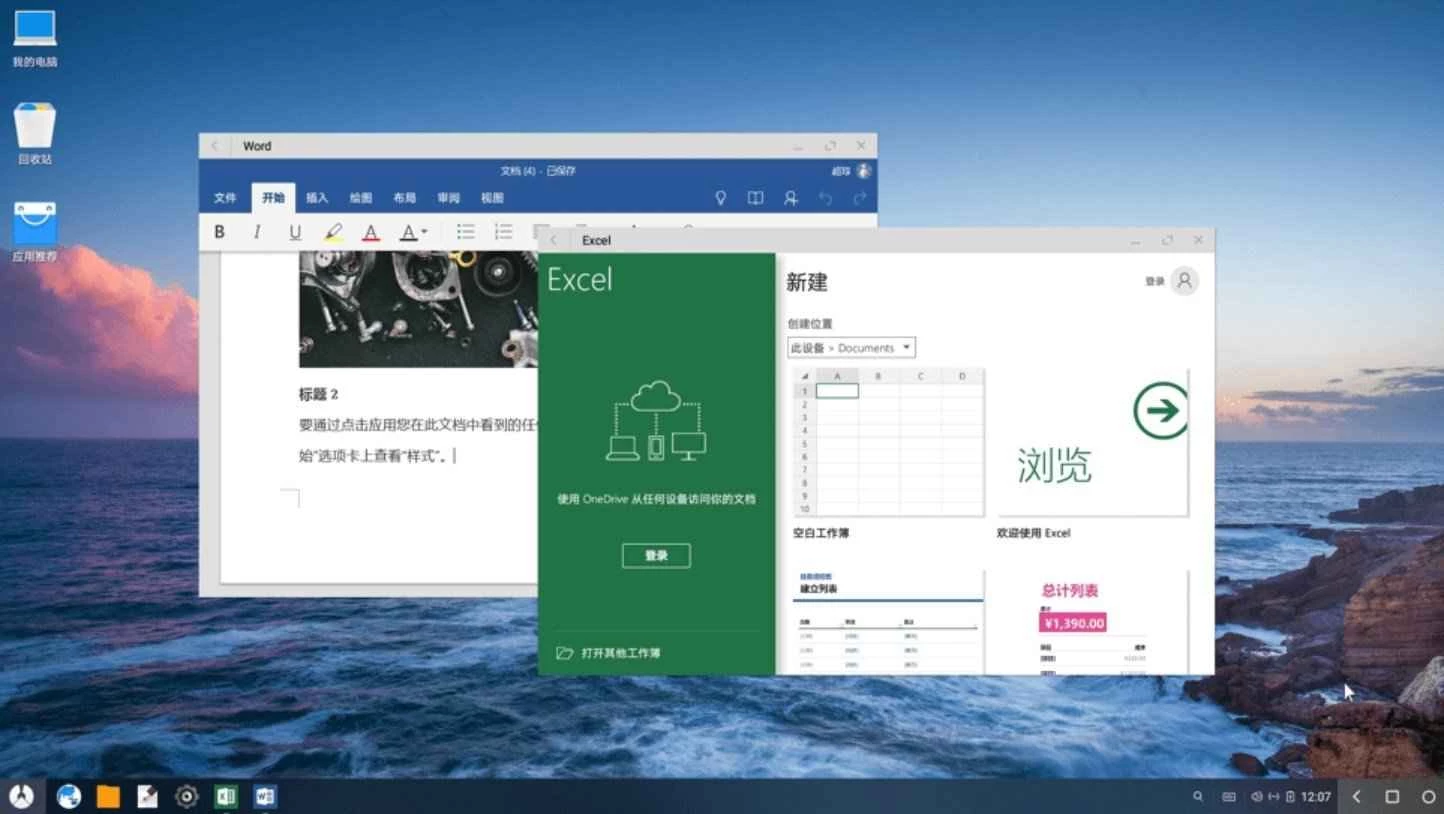
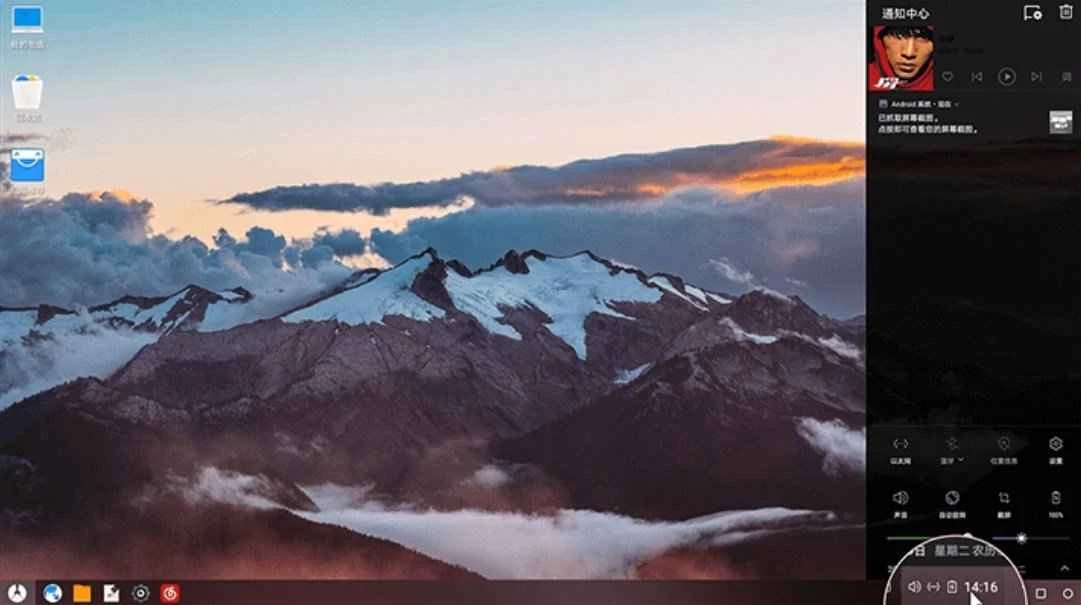
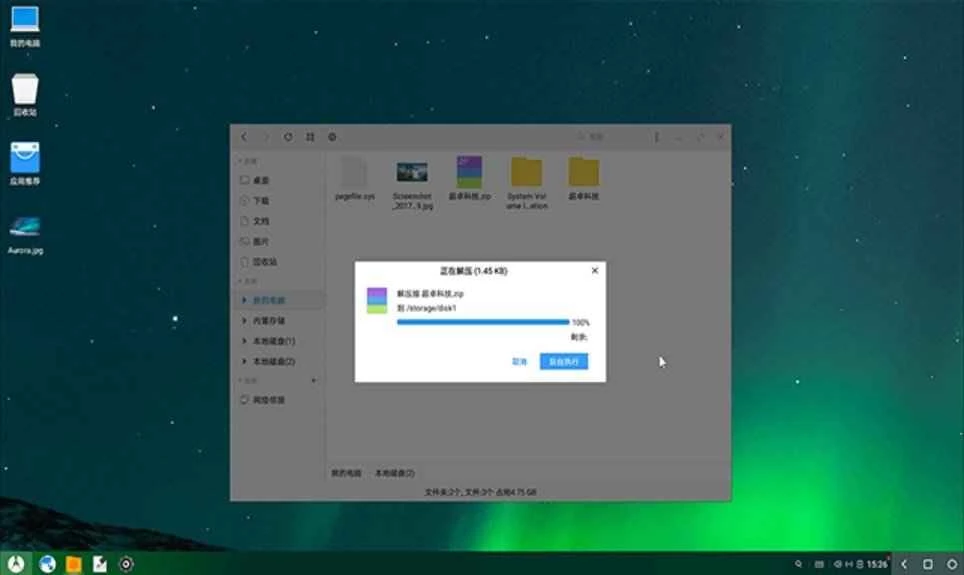
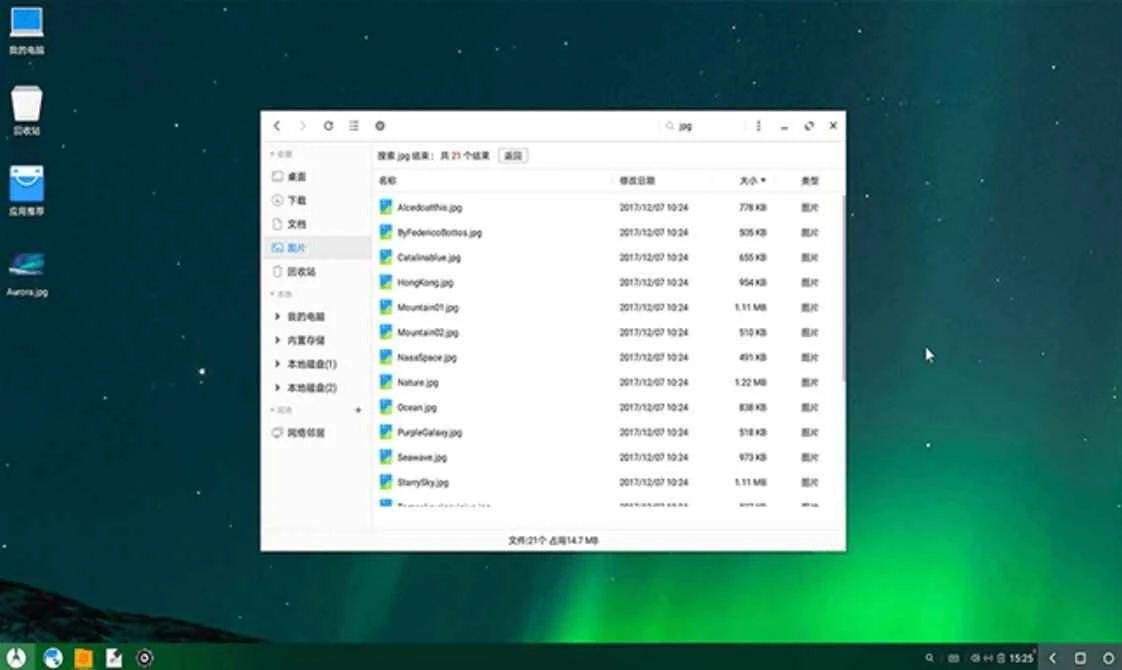
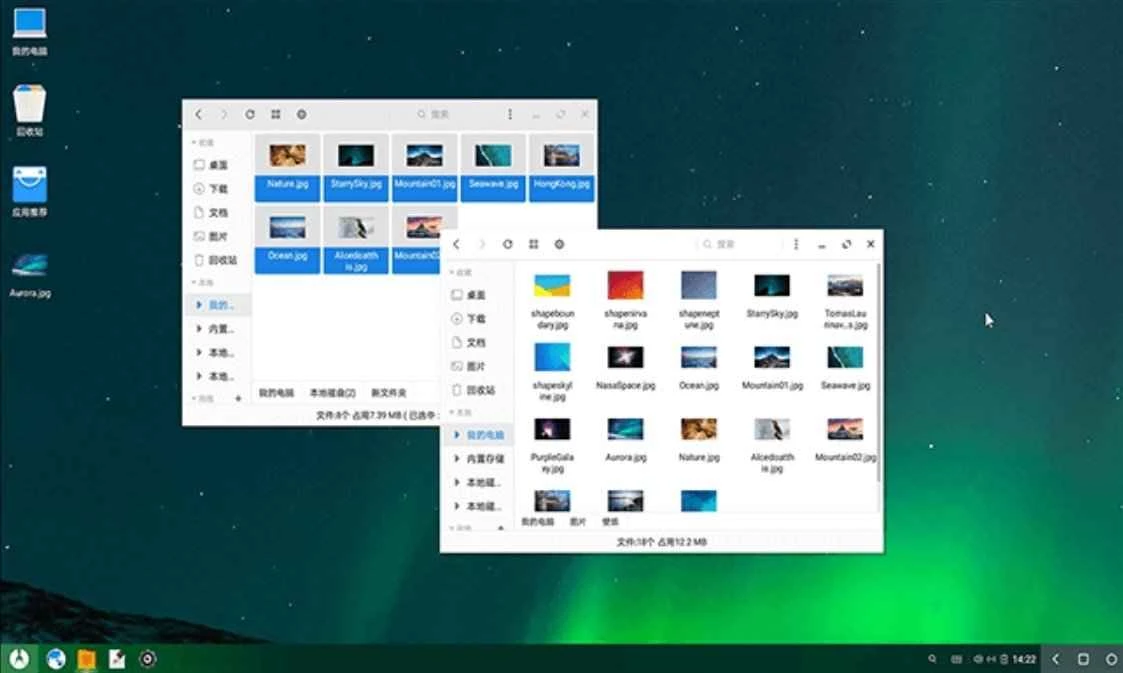
Phoenix OS 3.6.1.564 is an operating system for ordinary PCs based on Android-x86, from the Phoenix OS Team. It boots Android directly on a computer and adds a desktop-style interface with a start menu, a taskbar and resizable windows. The package listed here is used on Windows PCs to install it next to Windows; before you download Phoenix OS, note that this build is old and updates have not appeared for a long time.
An Android emulator such as BlueStacks runs inside Windows as a program. Phoenix OS takes a different route: it is an operating system in its own right. You install it on a partition or a USB drive and pick it at startup instead of Windows. Because Android then talks to the hardware directly, apps and games can run more smoothly than in an emulator on the same machine, and older laptops sometimes feel faster with it than with Windows. The desktop layer made it popular with people who wanted to use Android apps with a keyboard and mouse, turn an old netbook into a simple Android machine or test apps on real x86 hardware. The downside is hardware support. Drivers for Wi-Fi, graphics, touchpads and sleep mode come from the Android-x86 project, and on many modern PCs something does not work. The Android version underneath is also old by today's standards, so newer apps may refuse to install.
The version in the catalogue is 3.6.1.564, and no newer releases have appeared for years. We do not treat the project as officially closed, since there has been no announcement, but you should expect no security updates. That matters for a whole operating system far more than for a single app: do not use it for banking, email or accounts you care about. The official site, phoenixos.com, may not always be reachable.
The download is about 634.85 MB according to catalogue data. Trying it from a USB drive first is safer than installing to the internal disk.
For running Android apps on Windows without changing the boot setup, our listings include the emulators BlueStacks, LDPlayer, NoxPlayer and MSI App Player. To write installation media for other systems, Rufus is the standard tool.
Google Play is Google's digital distribution platform. On Windows, Google offers Play content through the browser and Google Play Games on PC.
Media Creation Tool is a free Microsoft utility that downloads Windows and turns it into a bootable USB flash drive or an ISO file.

LDPlayer is an Android emulator for Windows that runs mobile apps and games on a computer.

BlueStacks is an Android emulator for Windows that lets you run Android apps and games on your PC.
Rufus is a free Windows utility that turns a USB stick into a bootable installer. The current version is 4.15.

PC App Store is a free software store for Windows from Baidu for finding, installing and updating PC programs. This page covers version 5.0.1.8682.

Uptodown App Store for Windows is the desktop client of Uptodown, a marketplace for desktop software and mobile apps. This page covers version 1.0.3.
NoxPlayer is a free Android emulator from Bignox for Windows and macOS that runs mobile games and apps on a computer with keyboard and mouse control.